


PieMail · Email
Email made easy as pie.
SMTP accounts and a send API for your app, plus campaigns, cadences and contact lists when you need to reach users. One dashboard for all of it.
- SMTP and REST API
- Open and click tracking
- Free plan to start
Trusted by teams at
Capabilities
Sending, campaigns and tracking in one place
Use it as a plain SMTP relay for your app, or as the tool you run email campaigns from.
SMTP accounts
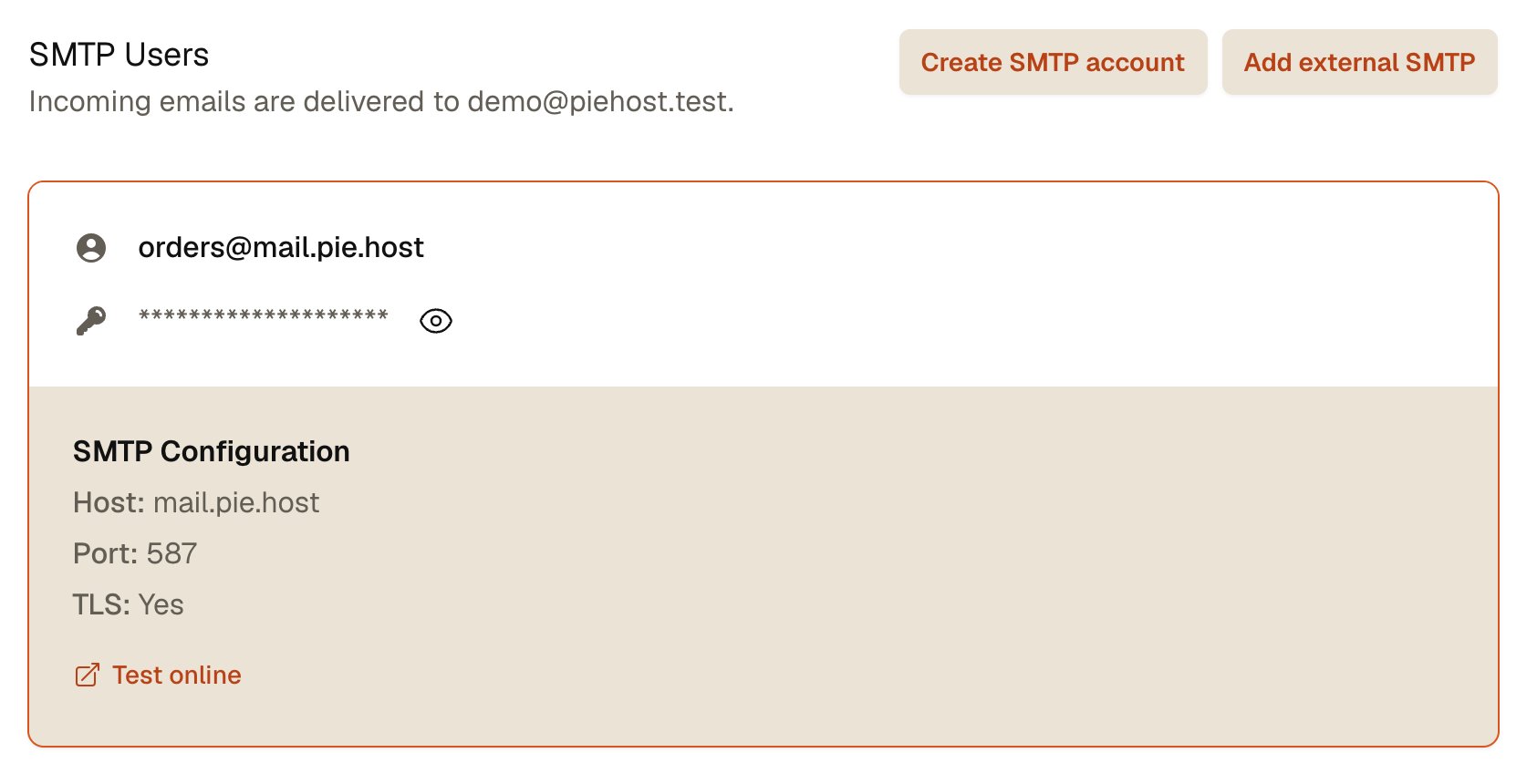
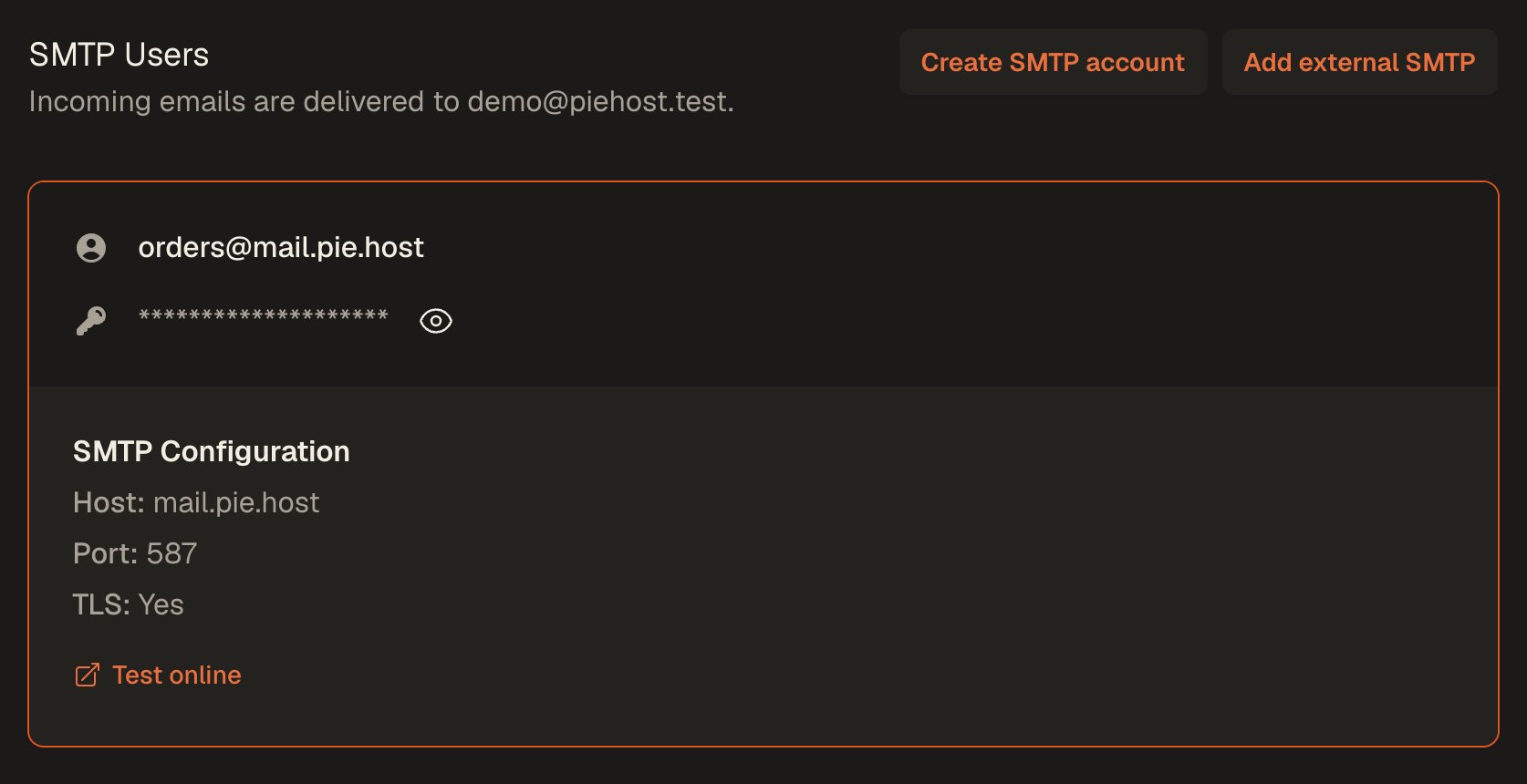
Create SMTP users on mail.pie.host:587 with TLS and send from any app or framework.
REST API
Send email and manage contacts and groups with a simple JSON API.
Your own domain
Send from your domain on paid plans, with DNS records shown in the dashboard.
Campaigns
Send one-off emails to a group of contacts and see how each one performed.
Cadences
Automate multi-step email sequences for contacts, on plans with automation.
Tracking
Sent, open, click, reply and bounce rates for the last 30 days.
How it works
Live in three steps
From a new account to your first email in a few minutes.
- 01
Create a mail account
Pick a plan. Add your domain on a paid plan to send from your own address.
- 02
Add an SMTP user
Create a user and copy the host, port and password into your app.
- 03
Send and track
Send over SMTP or the API, and watch opens and clicks in the dashboard.
MAIL_MAILER=smtp
MAIL_HOST=mail.pie.host
MAIL_PORT=587
MAIL_USERNAME=<smtp user>
MAIL_PASSWORD=<smtp password>
MAIL_ENCRYPTION=tls
Use cases
What teams send with PieMail
From password resets to newsletters.
Transactional email
Sign-ups, password resets, receipts and alerts from your app.
Announcements
Product updates and newsletters to a contact group.
Onboarding sequences
A cadence that welcomes new users over their first days.
Replies to your inbox
Incoming email to your SMTP addresses is delivered to your account email.
Documentation
Docs and tools
FAQ