


PieBox · Cloud servers
Compute made easy as pie.
Virtual, dedicated and GPU servers with full root access, in 25 regions around the world. Pick an image, launch, and SSH in.
- 25 regions
- 36 OS images
- Full root access
Trusted by teams at
Capabilities
A server, your way
Choose the hardware, the region and the OS. You get a Linux server with an IP address and root.
Five server types
Standard, memory optimized, CPU optimized, dedicated CPU and GPU plans.
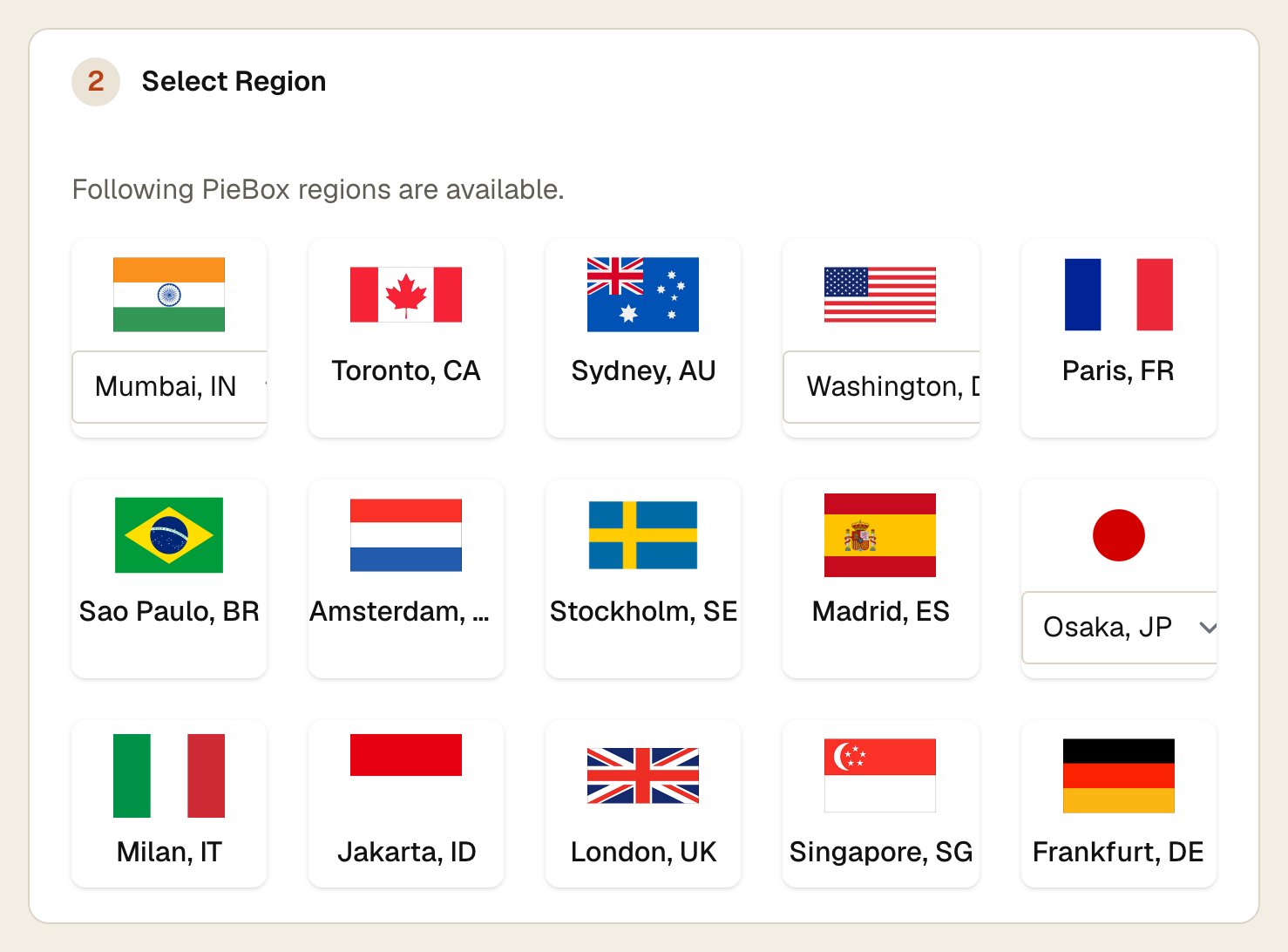
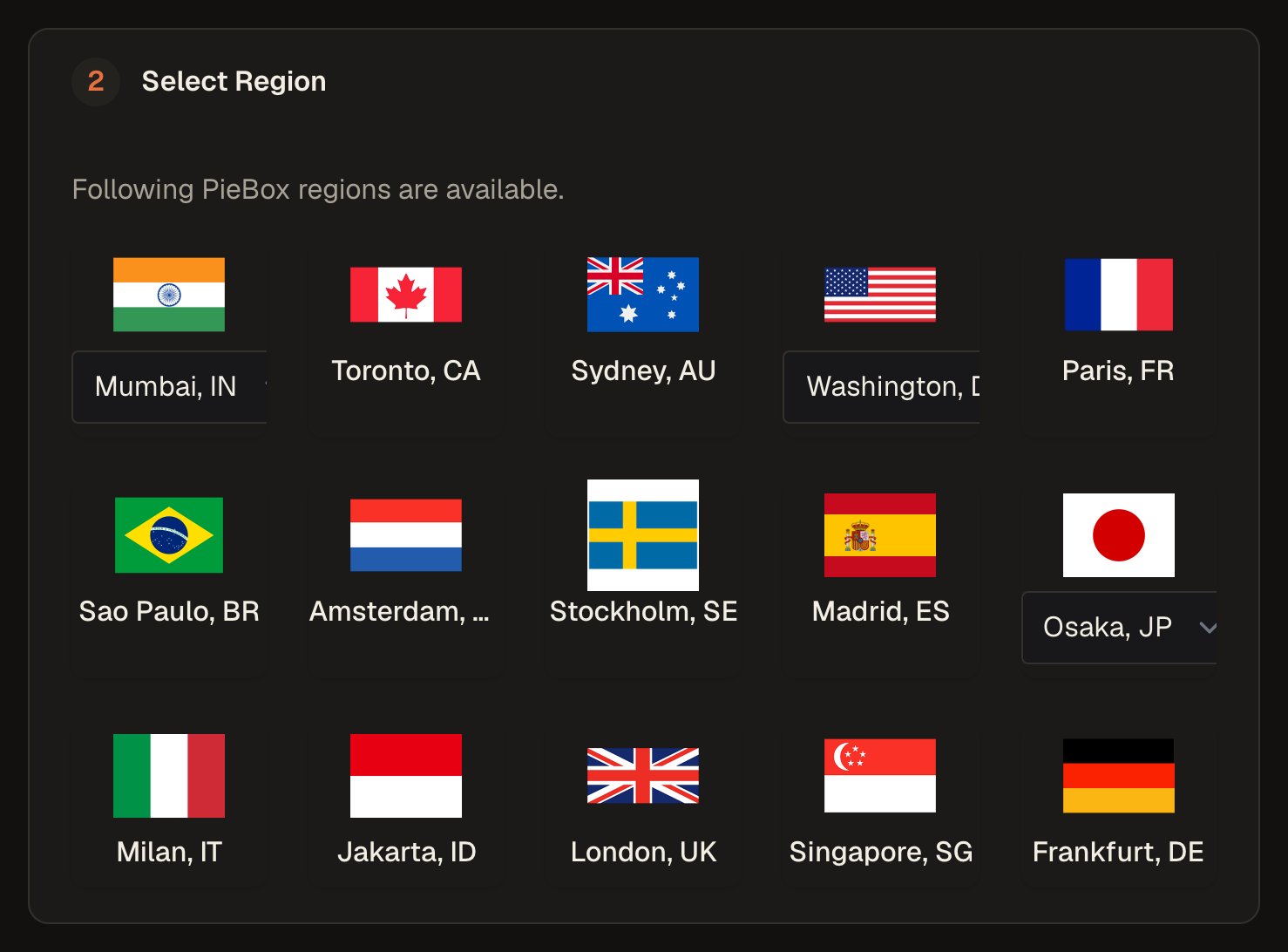
25 regions
Deploy close to your users across North America, Europe, Asia, Australia and South America.
36 OS images
Ubuntu, Debian, AlmaLinux, Rocky Linux, Fedora, Arch, Alpine and more.
Resize
Move to a bigger plan from the dashboard when you need more CPU or memory.
Rebuild
Reinstall the server with a fresh OS image without creating a new one.
Power controls
Power the server on and off from the dashboard. IPv4 and IPv6 included.
How it works
Live in four steps
From nothing to an SSH session in a few minutes.
- 01
Name it
Give the server a name you will recognise in the dashboard.
- 02
Pick a region
Choose the location closest to your users.
- 03
Pick an image
Choose the Linux distribution or image to install.
- 04
Pick a size and launch
Choose a plan, pay for it and the server starts with its IP and root password.
ssh root@<server-ip>

# then, for example
apt update && apt upgrade -y
Control
Full control, from the dashboard
Root access on the server, and the common operations one click away.
Root access
Log in as root over SSH and install whatever you need.
Public IPv4 and IPv6
Every server gets public addresses, shown on its dashboard.
Rebuild any time
Start over on a clean OS image when you need to.
Use cases
What teams run on PieBox
Anything that needs a full server rather than a managed service.
Custom app stacks
Run software that needs its own system packages or services.
GPU workloads
Inference, rendering and training on GPU plans.
Build and CI runners
Self-hosted runners with the CPU and disk you choose.
Staging and labs
Spin up a test box, rebuild it, delete it when done.
Documentation
Docs and tools
FAQ