

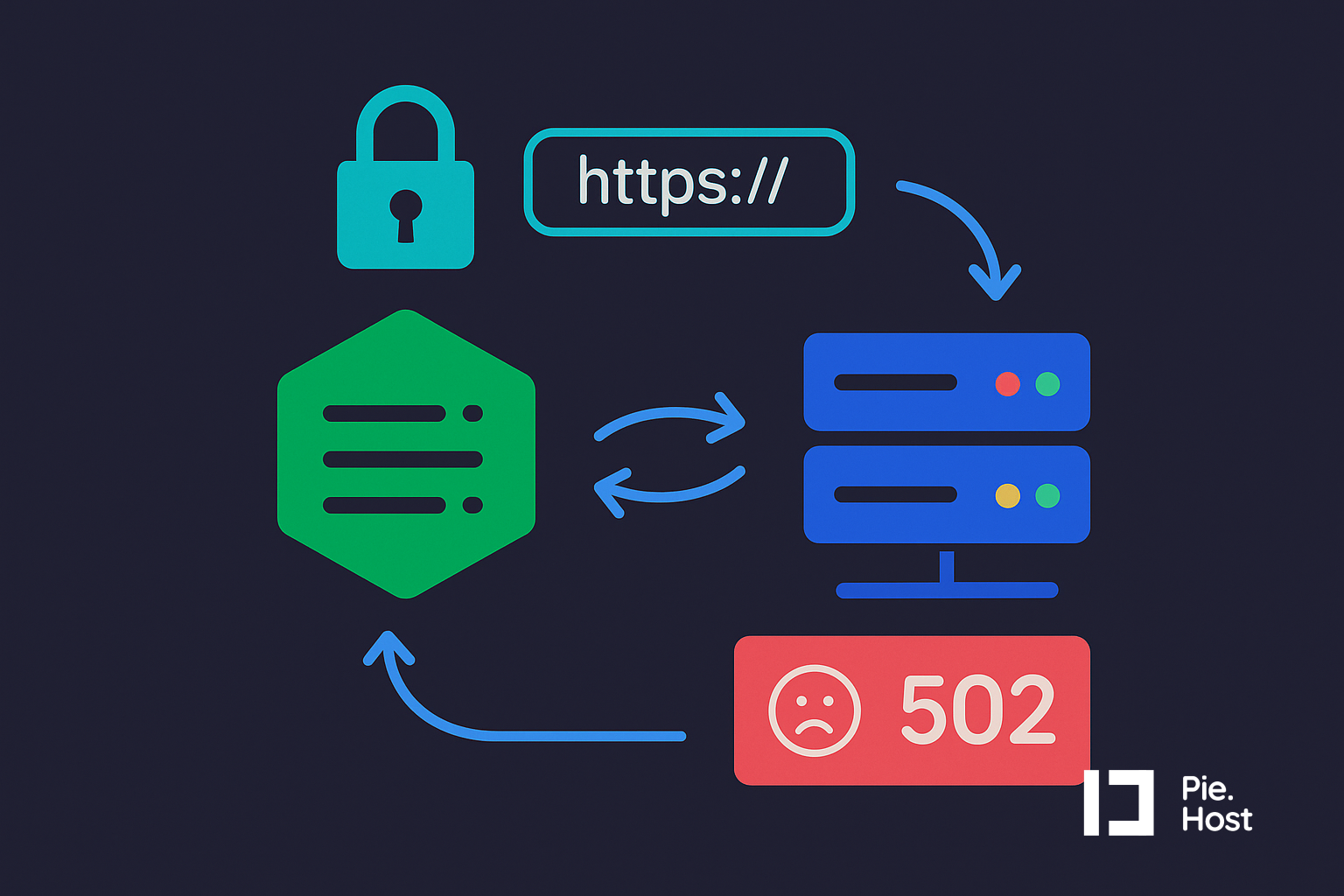
Nginx pass HTTPS status to reverse proxy
This tutorial guides you on how to pass correct HTTP protocol to a reverse proxy beind nginx
Anand Singh
Mar 9, 2026
Hello and welcome to another tutorial on Pie.host.
Today we will see how to pass HTTP protocol status to a reverse proxy via Nginx.
Let's consider the following scenario :
When you are using the nginx server, to access PHP.
Your PHP script can determine if it's being accessed via SSL or Plain HTTP using the following code snippet.
if(!empty($_SERVER['HTTPS']){
    echo "This page is accessed on HTTPS"
}
else{
    echo "This page is accessed on plain HTTP";
}
This script can be used to check if a script is being accessed via HTTPS or HTTP protocol.
However, this script will stop working, if the there is another reverse-proxy between nginx and your PHP-fpm service.
For example, when Nginx is sending traffic to another Nginx instance (via HTTP), it then sends the request to the PHP service.
How to correctly pass the HTTPS status in this case?
You need to add following configuration to the proxy-in-the-middle.
 location ~ .php$ {
        fastcgi_pass unix:/var/run/php/php8.3-fpm.sock;
        .....
        ....
        fastcgi_param  HTTPS              on;
 }
Adding this config will make your PHP script think the website is being accessed on HTTPS, even when its actually being accessed on plain HTTP protocol.
To make this dynamic and work correctly, add the following to your .conf file outside the server block.
map $http_x_forwarded_proto $new_https {
    default "";
    "https" on;
}
and edit the location block to use the $new_https variable as shown below.
    location ~ .php$ {
        fastcgi_pass unix:/var/run/php/php8.3-fpm.sock;
        ....
        ....
        fastcgi_param  HTTPS              $new_https;
    }
This will now forward the correct HTTP protocol status to your PHP script or any other serverside language you are using.
Hope this helps, feel free to comment to ask questions and discuss this.
Cheers!
Anand